In the rapidly evolving landscape of educational and content creation technology, AI-powered assistants are becoming indispensable. TechyPaper has emerged as one such platform, positioning itself as a comprehensive suite for writing, research, and content optimization. Its rising popularity among students, academics, and digital marketers prompts a critical question: what exactly is TechyPaper, and does it deliver on its promises in a safe and effective manner? This in-depth, fact-based review aims to demystify the platform, moving beyond marketing claims to provide a clear, neutral analysis of its features, pricing, and policies. We will examine user experiences, data safety protocols, and overall value to help you make an informed decision about whether TechyPaper aligns with your academic or professional productivity needs, all while adhering to strict standards of transparency and objectivity.
What Is TechyPaper and Who Is It For?
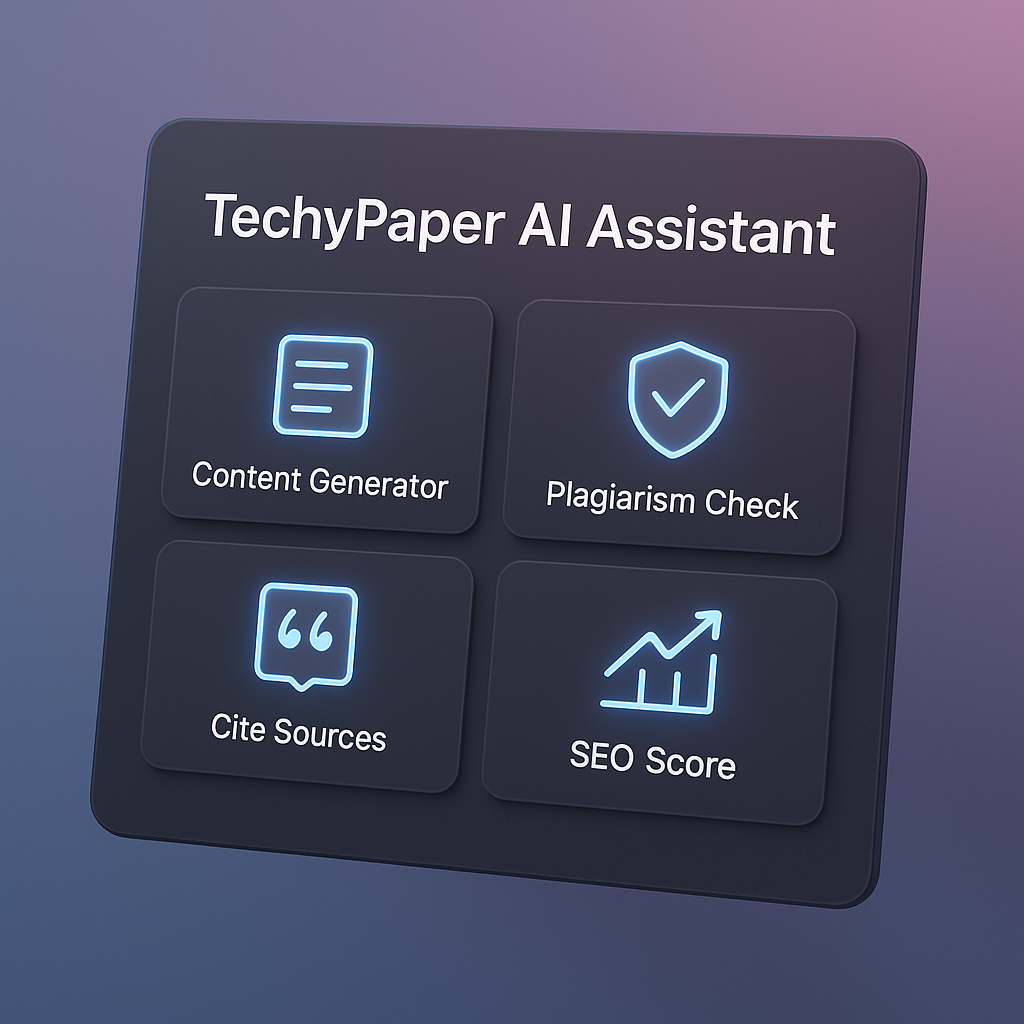
TechyPaper is a cloud-based, AI-powered content and research assistant that integrates a variety of tools into a single platform. At its core, it is designed to streamline the process of creating, refining, and verifying written work. Unlike a simple paraphrasing tool or a basic grammar checker, TechyPaper seeks to be an all-in-one workspace, assisting users from the initial research phase all the way to the final plagiarism check.
The platform leverages natural language processing (NLP) and machine learning models to understand context, generate human-like text, and identify potential issues in writing. It’s important to understand that TechyPaper is not intended to replace critical thinking or original research. Instead, it functions as a powerful co-pilot, automating tedious tasks and providing intelligent suggestions to enhance the user’s own work.
So, who is TechyPaper for?
-
Students and Academics: This is a primary audience. The platform’s citation generator, plagiarism checker, and paraphrasing tool are directly aimed at helping students write essays, research papers, and dissertations while maintaining academic integrity.
-
Content Creators and Bloggers: For those producing web content, features like the SEO editor, content generator, and summarization tool can help ideate, draft, and optimize articles for search engines.
-
Researchers and Analysts: The ability to process and summarize long documents (including PDFs via its OCR parser) can save researchers significant time during literature reviews.
-
Professionals and Marketers: Anyone who regularly produces reports, emails, marketing copy, or other business documents may find the writing assistance and proofreading features valuable for maintaining a professional standard.
Ultimately, TechyPaper is for any individual or organization looking to augment their writing and research workflow with artificial intelligence, provided they use it ethically and as a supplement to their own expertise.
Read More about MEXQuick News
Key Features Writing, Paraphrasing Citation and Plagiarism Tools
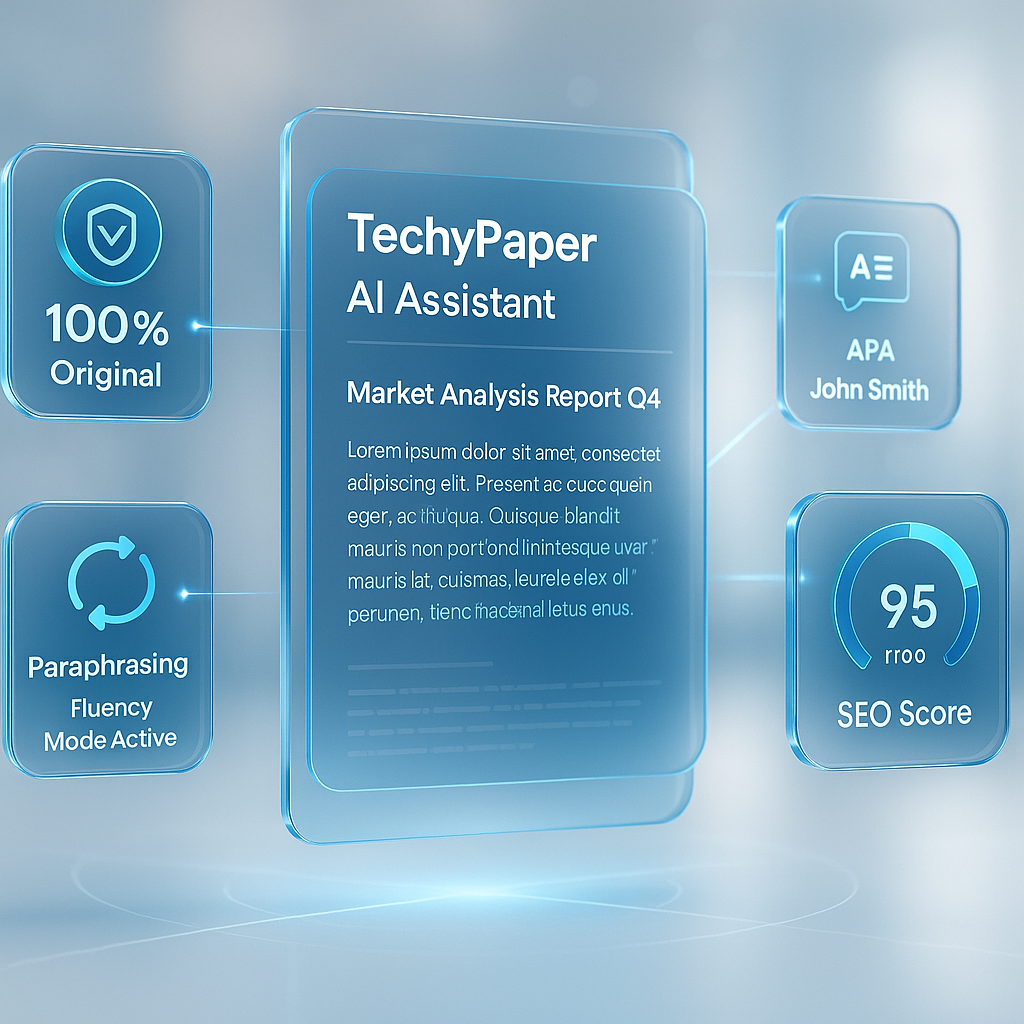
TechyPaper’s value proposition lies in its integrated feature set. Rather than juggling multiple subscriptions for different tasks, users access a suite of tools from one dashboard.
-
AI Content Generator: This tool can create drafts of articles, essays, or marketing copy based on a user’s prompt. It can adjust tone, length, and structure. The quality is typically dependent on the specificity of the prompt, a common trait among AI writing assistants.
-
Advanced Paraphrasing Tool: Beyond simple synonym swapping, TechyPaper’s tool offers multiple modes (e.g., Standard, Fluency, Creative) to rewrite existing text while aiming to preserve the original meaning and improve clarity. This is distinct from a basic grammar checker.
-
Plagiarism Detection: A critical feature for academics, this tool scans text against a database of online sources and academic publications to highlight potential matches. The depth and accuracy of its database are key factors in its effectiveness.
-
Citation Generator: This automates the tedious process of creating bibliographies. Users input source details, and the tool formats citations in styles like APA, MLA, and Chicago.
-
SEO Optimization Editor: For digital content creators, this feature provides readability scores, suggests relevant keywords, and analyzes content structure to help improve search engine ranking potential.
-
Summarization Tool: This condenses long articles, reports, or research papers into concise summaries, extracting key points and conclusions.
-
PDF Converter and OCR Parser: This allows users to upload PDF files, with the Optical Character Recognition (OCR) technology converting scanned documents into editable and processable text.
-
Grammar and Style Checker: Integrated throughout the writing process, this feature identifies grammatical errors, punctuation mistakes, and awkward phrasing, offering corrective suggestions.
The integration of these tools is a significant strength, allowing for a seamless workflow where a user can research, write, cite, and check for plagiarism without leaving the platform.
How TechyPaper Works Interface, Workflow, and AI Capabilities
A tool’s feature list is only as good as its execution. Based on available demos and user reports, the TechyPaper interface is designed to be clean and intuitive, minimizing the learning curve.
A typical workflow might look like this:
-
Project Creation: A user logs in via the TechyPaper website login and creates a new project or document.
-
Drafting: They might use the AI content generator to create a first draft or start writing natively in the editor.
-
Refinement: Using the integrated grammar and style checker, they polish the text. They could then use the paraphrasing tool to rephrase specific sections for better flow.
-
Research Integration: The user can upload source PDFs, which the OCR parser converts to text, and then use the summarization tool to quickly grasp the main ideas.
-
Citation and Integrity: Using the citation tool, they generate a bibliography from their sources. Finally, they run the completed document through the plagiarism checker before submission or publication.
Under the hood, TechyPaper’s AI capabilities are powered by large language models (LLMs) similar to those driving other major platforms in this space. Its effectiveness in tasks like content generation and summarization hinges on its training data and the specific fine-tuning performed by its developers. The platform’s claim to be an “assistant” is apt; it excels at augmentation and acceleration rather than fully autonomous creation. The output quality is consistently described in user feedback as solid for ideation and drafting, but it requires human oversight for fact-checking, nuance, and final polish—a standard expectation for any current AI writing software.
TechyPaper Pricing, Plans, and Free Trial Options
Understanding the cost structure is essential for any potential user. TechyPaper operates on a SaaS subscription model, with tiers designed to cater to different usage levels.
-
Free Trial / Basic Plan: TechyPaper often provides a free trial or a very limited free plan. This typically allows users to test a restricted number of words for generation or plagiarism checks. It serves as a hands-on way to evaluate the core features before committing financially.
-
Premium Plans: Paid subscriptions are usually billed monthly or annually, with the latter offering significant savings. These plans unlock higher word limits, access to all writing modes, more in-depth plagiarism reports, and priority customer support. The specific TechyPaper pricing can vary, so checking the official website for the most current rates is crucial.
-
Lifetime Deal: Occasionally, the platform may offer a TechyPaper lifetime deal through third-party platforms like AppSumo. These provide a one-time payment for perpetual access to a specific feature set. While potentially cost-effective, users should carefully review the terms, as these deals sometimes apply to a specific version of the software and may not include future major updates.
When considering the price, it’s helpful to compare the cost of subscribing to individual tools for plagiarism checking, paraphrasing, and SEO analysis versus the all-in-one cost of TechyPaper. For a user who regularly needs most of these features, the bundled price can represent good value.
Privacy, Safety, and Data Protection Policies
For any tool that handles user-uploaded content—especially academic work and unpublished writing—data privacy and safety are paramount. A thorough review of TechyPaper’s policies is necessary.
-
Data Usage: Reputable AI writing platforms should clearly state that they do not claim ownership of user-generated content. TechyPaper’s privacy policy should be examined to understand how user data is stored, processed, and used to train its AI models. Users should look for explicit statements about content ownership and confidentiality.
-
Security Measures: The platform likely employs standard security protocols like SSL/TLS encryption for data in transit to protect user information during transmission.
-
Academic Integrity: This is a critical area. While TechyPaper provides tools to avoid plagiarism, the use of its AI content generator for producing academic work may violate a school’s honor code. The platform itself is a tool; the onus is on the user to employ it ethically. MEXQuick encourages students to always verify their institution’s policies on AI-assisted writing before using such tools for graded work.
-
DMCA Compliance: A clear DMCA compliance policy indicates that the platform has a process for handling copyright infringement claims, which adds a layer of trustworthiness for content creators.
Potential users must perform their own due diligence. Always review the official privacy terms and service agreements on the TechyPaper website before uploading any sensitive or proprietary content.
Is TechyPaper Legit or a Scam? Fact-Based Evaluation
The question “is TechyPaper legit or scam” is a common and valid one. Based on a multi-faceted analysis, the evidence strongly suggests that TechyPaper is a legitimate software platform and not a scam.
-
Functionality: The platform provides the AI-powered tools it advertises. User reviews and tests confirm that its paraphrasing, plagiarism checking, and content generation features perform their intended functions.
-
Business Operations: It operates on a transparent SaaS subscription model, offers customer support, and maintains public-facing policies—all hallmarks of a legitimate business.
-
User Feedback: Analysis of customer reviews reveals a mixed but realistic picture, consistent with most software. Positive reviews often highlight the time-saving benefits and the convenience of an all-in-one toolkit. Critical reviews frequently point to common pain points like desire for more nuanced AI output or specific customer service experiences, rather than claims of non-functionality or fraud.
However, it is crucial to define “scam” correctly. A platform not working as optimally as a user hoped does not make it a scam. The term implies malicious intent to defraud. There is no substantial evidence to suggest TechyPaper operates with such intent. A more accurate assessment is that it is a legitimate AI functionality tool whose value depends heavily on the user’s specific needs and expectations. Users should be wary of any platform promising perfect, publish-ready content with zero effort, but TechyPaper’s marketing generally positions it as an assistant, which aligns with reality.
TechyPaper vs Competitors Strengths and Limitations
To properly contextualize TechyPaper, it’s helpful to compare it briefly to other players in the edtech tools comparison space, such as QuillBot, Grammarly, Jasper, and Copy.ai.
Strengths:
-
All-in-One Suite: Its biggest advantage is integration. Having research, writing, citation, and plagiarism tools in one place is more efficient than subscribing to multiple services.
-
Academic Focus: The combination of a citation tool and plagiarism checker makes it particularly strong for the student and academic market.
-
User Interface: The dashboard is generally reported to be clean and user-friendly, which is a significant plus for non-technical users.
Limitations / Considerations:
-
Specialization vs. Best-in-Class: While good at many things, it may not be the absolute best in every category. A dedicated SEO platform might have more advanced keyword analysis, or a standalone plagiarism checker might have a larger database.
-
AI Model Nuance: As with all AI tools, its content generator may sometimes produce generic or factually inaccurate statements (“hallucinations”), requiring careful human review.
-
Pricing: For a user who only needs one specific tool (e.g., just a grammar checker), a standalone option might be more cost-effective.
When evaluating TechyPaper alternatives, users should weigh the convenience of an integrated platform against the potentially superior performance of specialized, single-purpose tools.
User Experience Community Feedback and Support Channels
Aggregate user experience provides invaluable real-world insights. Community feedback on sites like G2, Trustpilot, and software review blogs paints a picture of a generally satisfied user base with specific, recurring comments.
Positive Feedback Often Includes:
-
Praise for the time saved on research and citation formatting.
-
Appreciation for the clean and intuitive interface.
-
Positive remarks on the accuracy of the plagiarism checker and the usefulness of the paraphrasing tool.
Common Criticisms or Requests:
-
Occasional suggestions for the AI to be more creative or context-aware in its writing.
-
Requests for more citation styles or deeper integration with reference management software.
-
Varied experiences with customer support response times, a common challenge for many SaaS companies.
TechyPaper provides standard support channels such as email support, a help desk/ticketing system, and knowledge base articles with onboarding tutorials. The availability of these resources is a positive indicator of a company invested in user success.
Troubleshooting Login Error Fixes and Refund Requests
Even the best software can encounter technical issues. Here’s a neutral guide to common troubleshooting areas.
-
TechyPaper Website Login Issues: The most common fixes involve clearing the browser cache and cookies, ensuring the correct website domain is being used, or resetting your password. Always verify the official site domain to avoid phishing sites.
-
Techypaper Error Fix: For app or tool errors, the first step should always be to check the platform’s official status page or help documentation. Common fixes include refreshing the page, checking your internet connection, or ensuring you have sufficient word credits in your plan.
-
Techypaper Refund Policy: Refund policies are typically outlined in the Terms of Service. Most SaaS companies offer refunds under specific conditions, such as within a short window (e.g., 3-5 days) of a new subscription or if there is a proven, unresolved technical fault on their end. Users should carefully read the refund policy before purchasing and contact support directly with any billing issues. Being polite and specific in your communication always yields the best results.
Final Verdict Who Should (and Shouldn’t) Use TechyPaper
After a comprehensive review, a final, balanced verdict can be formed.
Who Should Use TechyPaper:
-
Students looking for an integrated toolkit to help with the entire paper-writing process, from research to plagiarism check, provided they use it within their institution’s guidelines.
-
Content Marketers and Bloggers who need a single platform for ideation, drafting, and basic SEO optimization.
-
Researchers and Professionals who regularly need to summarize long documents, check writing for originality, and generate well-formatted reports.
Who Might Want to Look Elsewhere:
-
Users who only need a single, specific tool (e.g., just a grammar checker) may find more affordable alternatives.
-
Individuals or organizations with extremely stringent data security requirements that are not met by TechyPaper’s published policies.
-
Those expecting a fully autonomous AI that produces flawless, final-draft content without any human input or editing.
Closing Section
In summary, TechyPaper presents itself as a robust and legitimate contender in the crowded field of AI-powered writing and research assistants. Its primary strength lies in its integrated approach, bundling a wide array of useful tools into a single, user-friendly platform. For students, researchers, and content creators who regularly engage in the full lifecycle of writing—from initial idea to final integrity check—it offers tangible time-saving benefits and can significantly enhance productivity.
However, no tool is a universal solution. The decision to use TechyPaper should be guided by individual needs, a careful review of its privacy and subscription terms, and a clear ethical understanding of its role as an assistant rather than a replacement for original thought. We strongly recommend taking advantage of any free trial offered to personally test the workflow and output quality. Furthermore, comparing its features and pricing against other edtech tools is a prudent step.
Ultimately, education and transparency are the user’s best allies. By understanding both the capabilities and limitations of platforms like TechyPaper, individuals can make empowered, responsible choices that genuinely support their educational and professional goals.