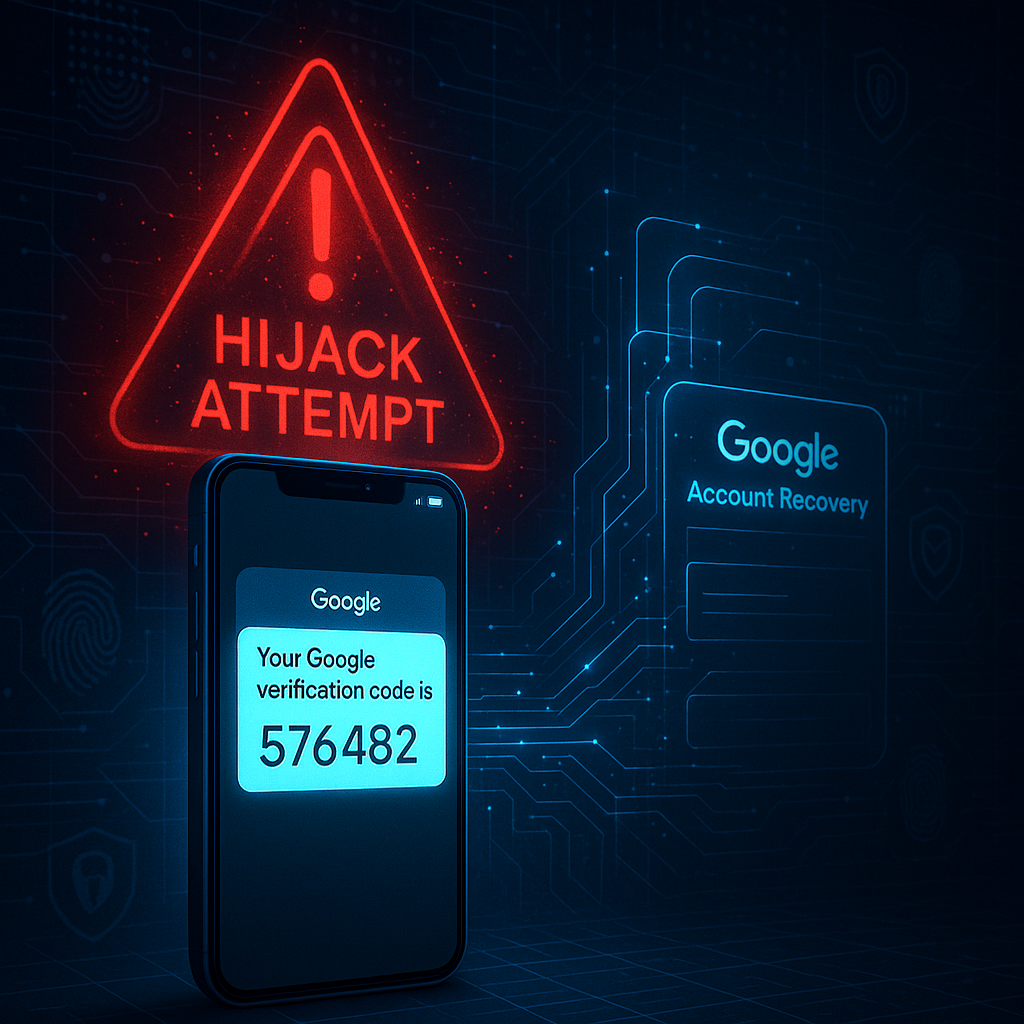
A sophisticated form of phishing has surged recently preying on users’ fears about their account security. Known as Google Account Recovery Scam, this scheme involves fraudsters impersonating Google to trick you into surrendering control of your Google Account. A common red flag is receiving a 6-digit PIN verification code from Google that you did not request. This code is the key to your digital life, and the scammer on the other end is attempting to use the “Forgot password?” feature to trigger it, hoping you will read it aloud to them. To help you navigate this growing threat, this guide breaks down the “Google Account Recovery Scam” using trusted cybersecurity principles from sources like the Google Safety Center and CISA. We will explore the scam’s various tactics, provide clear steps to verify alerts, and outline proactive measures to secure your account against takeover. Our focus is strictly on empowering you with prevention and awareness, without attributing blame to unverified sources.
What Is a Google Account Recovery Scam?
A Google Account Recovery Scam is a type of social engineering and credential phishing attack where malicious actors attempt to gain unauthorized access to your Google Account by exploiting the platform’s legitimate recovery processes. The core objective is Account Takeover (ATO).
The mechanism is deceptively simple:
-
The scammer initiates a password reset or login attempt on your account via the official Google sign-in page.
-
Google’s systems, following their security protocol, send a legitimate verification code (via SMS or authenticator app) to your registered phone number or email.
-
Simultaneously, the scammer contacts you by posing as Google Support, a trusted entity, or even a friend. They use a fabricated story to pressure you into revealing that code.
-
Once they provide this code to Google, they can reset your password, bypass two-factor authentication (2FA), and seize control of your account.
The scammer never needs your password initially; they simply use Google’s own security as a weapon against you.
Most Common Types of Google Account Recovery Scams in 2025
Scammers employ a multi-channel approach to reach potential victims. Understanding these vectors is the first step in defense.
Email Phishing
Fake emails designed to look like official Google Alerts, claiming your account is locked, disabled, or has experienced suspicious activity. This type of fake google account recovery text often uses urgency to trick the target. They include a button or link to a fraudulent “recovery” page that harvests your login credentials.
Fake SMS “Your Google code is…”
The most direct approach. You receive a text message with a legitimate 6-digit code from Google, followed immediately by a call or another text from the scammer claiming to be “Google Security,” asking you to verify the code they “accidentally” sent to you.
Google Voice Verification Hijack
Scammers find your number on marketplace sites (like Facebook Marketplace or Craigslist) and, under the guise of “verifying you are a real person,” trick you into providing the Google Voice verification code. This code links a Google Voice number to your phone, which they then use for further scams.
Phone Call Impersonating Google Support
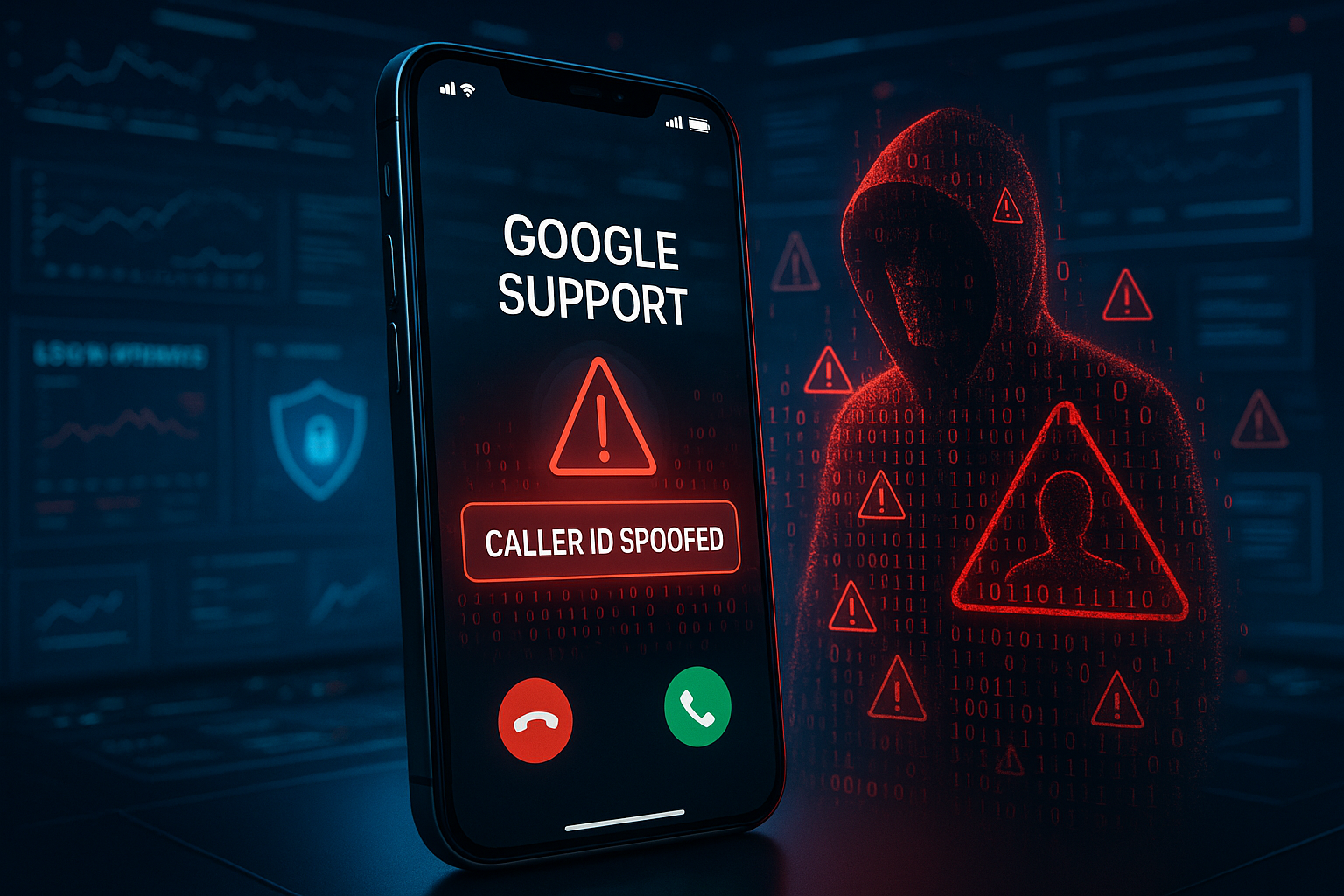
Using caller-ID spoofing to display “Google” or a similar name, the scammer calls you directly. They follow a script, often stating, “We’ve detected suspicious login attempts on your account from a foreign device,” and guide you through a process that ends with you reading an OTP aloud.
Fake “Account Disabled” Recovery Appeal
You receive an email or pop-up claiming your account will be permanently disabled due to policy violations. A sense of urgency is created, pushing you to a fake appeal form that steals your credentials and any additional personal information you provide.
QR Code Phishing (Quishing)
You are sent a QR code claiming it’s needed to “recover” your account or “secure” your settings. Scanning the code redirects you to a sophisticated phishing site or may even trigger the download of malware.
WhatsApp/Telegram Social Engineering
Scammers initiate contact on messaging apps, often pretending to be a friend or a member of a group you’re in. The conversation eventually turns to a “security issue” with your Google account, leading to a request for a verification code.
Malware Pop-up Mimicking Google
Malicious browser extensions or software display persistent pop-ups that mimic Google’s security warnings, locking the browser until you call a provided “support” number or enter your credentials directly into the pop-up.
Google Account Recovery Scam Email Examples
It is crucial to distinguish between legitimate Google communications and forgeries. Here are key indicators of a google account recovery scam email :
-
Sender’s Email Address: Scammers use deceptive addresses like
google-support@secure-service.comornoreply@google.secure.com. A legitimate Google email will always come from an address ending in@google.comor@googlemail.com. -
Urgency and Fear: The subject line and body text use alarming language like “URGENT: Your account will be suspended in 24 hours” or “Immediate action required to prevent deletion.”
-
Generic Greetings: Legitimate Google emails often use your name. Scam emails frequently use “Dear User,” “Valued Customer,” or no greeting at all.
-
Suspicious Links: Hover your mouse over any link (without clicking) to see the true destination URL. A fake link may show
https://accounts.google.combut lead to something likehttps://google.account-verification.ru. -
Poor Grammar and Spelling: While less common in sophisticated attacks, grammatical errors and awkward phrasing are still telltale signs.
How to Verify an Email’s Authenticity:
Check the email headers for authentication results (SPF, DKIM, DMARC). Most email clients have an option to “View Headers” or “Show Original.” A pass result for these protocols from google.com is a strong indicator of legitimacy, though not foolproof.
Fake SMS & OTP Relay Scams
This is the heart of most recovery type of fraud, Commonly known as the google 6-digit verification code scam. The text message you receive is real. It’s from Google. The context is the lie.
The Scams Script:
-
You receive:
Your Google verification code is: 123456 -
Seconds later, a call/text from an unknown number: “Hi, this is Google Security. We see an unauthorized login attempt on your account from [foreign location]. To stop it, we need to verify your identity. Can you please read us the 6-digit code we just sent to your phone?”
The scammer is relying on your panic. By giving them the code, you are handing them the key to reset your password and lock you out.
SIM Swap & SMS Interception Risks
In a more advanced attack, scammers may perform a SIM Swap, where they socially engineer your mobile carrier to transfer your phone number to a SIM card they control. This allows them to intercept all your SMS-based OTPs directly, making the scam even more dangerous. This underscores why authenticator apps or hardware security keys are more secure than SMS for 2FA.
The Golden Rule: Never, under any circumstances, share a Google verification code with anyone who contacts you. Google will never ask for it.
Fake Google Support Phone Call Tactics
Phone-based scams are highly effective due to the real-time pressure a live caller can apply.
-
Caller-ID Spoofing: The number displayed on your phone may say “Google” or appear to be a legitimate U.S.-based number. This technology is easily accessible to scammers.
-
The Social Engineering Script: The caller is often calm, professional, and follows a detailed script. They use technical jargon to sound credible.
-
The “Suspicious Activity” Hook: The call almost always begins with a warning about suspicious activity to create immediate concern.
-
Request for Remote Access: A common escalation is to direct you to a website and ask you to download a remote access tool (like AnyDesk or TeamViewer), claiming it’s needed to “secure” your computer. This gives them full control over your device.
-
The OTP Request: The entire conversation is engineered to lead to the moment you receive the OTP and read it to them.
Google Recovery Form & Disabled Account Phishing
Scammers create flawless replicas of Google’s official account recovery and help pages.
-
Imitated Recovery Appeal: You search for “Google account disabled appeal” and click on a promoted ad or a result that leads to a fake form. This form asks for your email, password, phone number, and sometimes even a photo of your ID.
-
Fake Support Pages: Scammers set up entire websites that look like the Google Help Center, complete with fake live chat features. The “support agent” in the chat will eventually ask for an OTP or direct you to a phishing site.
-
OAuth Token Hijacking: You may be tricked into granting permission to a malicious third-party app that appears legitimate. This grants the scammer access to your Google data without needing your password.
How Scammers Attempt Account Takeover (ATO)
Understanding the attacker’s workflow helps in building better defenses.
Information Gathering
The scammer collects your email address from data breaches, social media, or public forums.
Triggering the Recovery Flow
They go to accounts.google.com, enter your email, and click “Forgot password?” This triggers the legitimate OTP to be sent to you.
The Social Engineering Attack
They contact you via the most convincing channel (call, text, email) to socially engineer you into providing the OTP.
Password Reset & MFA Bypass
With the OTP, they can reset your password. If you have 2FA enabled, they may use tactics like MFA Fatigue (spamming your authenticator app with push notifications until you accidentally approve one) or use the initial OTP to add their own device as trusted.
Google Voice Verification Hijack
This specific scam involves the attacker using your phone number and the OTP to create a Google Voice number linked to you. This number is then used to scam others, making it appear the scams are originating from you.
How to Verify If a Google Account Alert Is Legit
Follow this checklist whenever you receive an unexpected account alert:
-
Go Directly to the Source. Never click links in emails or texts. Manually type
myaccount.google.cominto your browser’s address bar. -
Check Security Activity. Navigate to the Security section of your Google Account. Under “Recent security activity,” you will see a log of every password entry, OTP request, and new device login. If you see a login attempt you don’t recognize, you can review it and mark it as “This wasn’t me.”
-
Review Your Devices. In the same Security section, check “Your devices.” You will see all devices currently or recently logged into your account. You can sign out of any unfamiliar devices remotely.
-
Correlate the OTP. If you get a code you didn’t request, ask yourself: “Was I just trying to log in or reset my password?” If the answer is no, the code is almost certainly part of a scam attempt. Ignore it.
-
Inspect URLs Meticulously. Legitimate Google sign-in pages will always have
https://accounts.google.com/in the address bar. Look for misspellings (e.g.,accounts.google.com) or unicode homograph attacks using look-alike characters. -
Assess the Tone. Is the message creating a sense of panic and demanding immediate action? This is a primary tactic of scammers. Legitimate security alerts are informative and direct you to your official account page for review.
How to Report a Google Account Recovery Scam
Taking action helps protect both yourself and the wider community.
A. Report to Google:
-
-
Phishing Email: In Gmail, select the message, click the three-dot menu, and choose Report phishing.
-
General Phishing: Visit
google.com/safebrowsing/report_phishing/to report a phishing webpage. -
Report the scam directly: Use the
Report abuseorReport suspicious activityforms within your Google Account security page.
-
B. Report to Authorities:
- United States: Federal Trade Commission (FTC) at ReportFraud.ftc.gov.
- United Kingdom: Action Fraud at actionfraud.police.uk.
- India: National Cyber Crime Reporting Portal (cybercrime.gov.in).
- Australia: Report to the Australian Cyber Security Centre (ACSC) or Scamwatch via (scamwatch.gov.au.)
- Other Countries: Report to your national computer emergency response team (CERT) or cybercrime unit.
C. Report to Your Mobile Carrier:
Contact your carrier to report the scam SMS or call. They can often block numbers and may provide additional advice on securing your line against SIM Swap attempts (e.g., setting a port-out PIN).
What To Do If You Provided a Code by Accident
If you realize you’ve mistakenly given a scammer a verification code, act with speed and purpose:
-
Immediately Change Your Google Password. Go directly to
myaccount.google.com/securityand change your password to a new, strong, unique one. -
Revoke Active Sessions. On the same security page, use “Your devices” to Sign out of all other web sessions. This boots the attacker out if they are already logged in.
-
Review 2FA and Recovery Options. Go to “2-Step Verification” and ensure your authenticator app or phone number is still the primary method. Remove any unknown devices or backup codes.
-
Check Third-Party App Access. Go to “Security” > “Third-party apps with account access” and revoke access for any suspicious or unrecognized applications.
-
Review Your Recovery Information. Verify that your recovery email and phone number have not been changed by the attacker.
-
Check Gmail Settings. Look for malicious filters, forwarding rules, or delegated accounts that the scammer may have set up to monitor or hijack your emails.
-
Conduct a Security Checkup. Google’s built-in Security Checkup tool (
myaccount.google.com/security-checkup) will guide you through all these steps systematically.
Strengthening Your Google Account for 2025
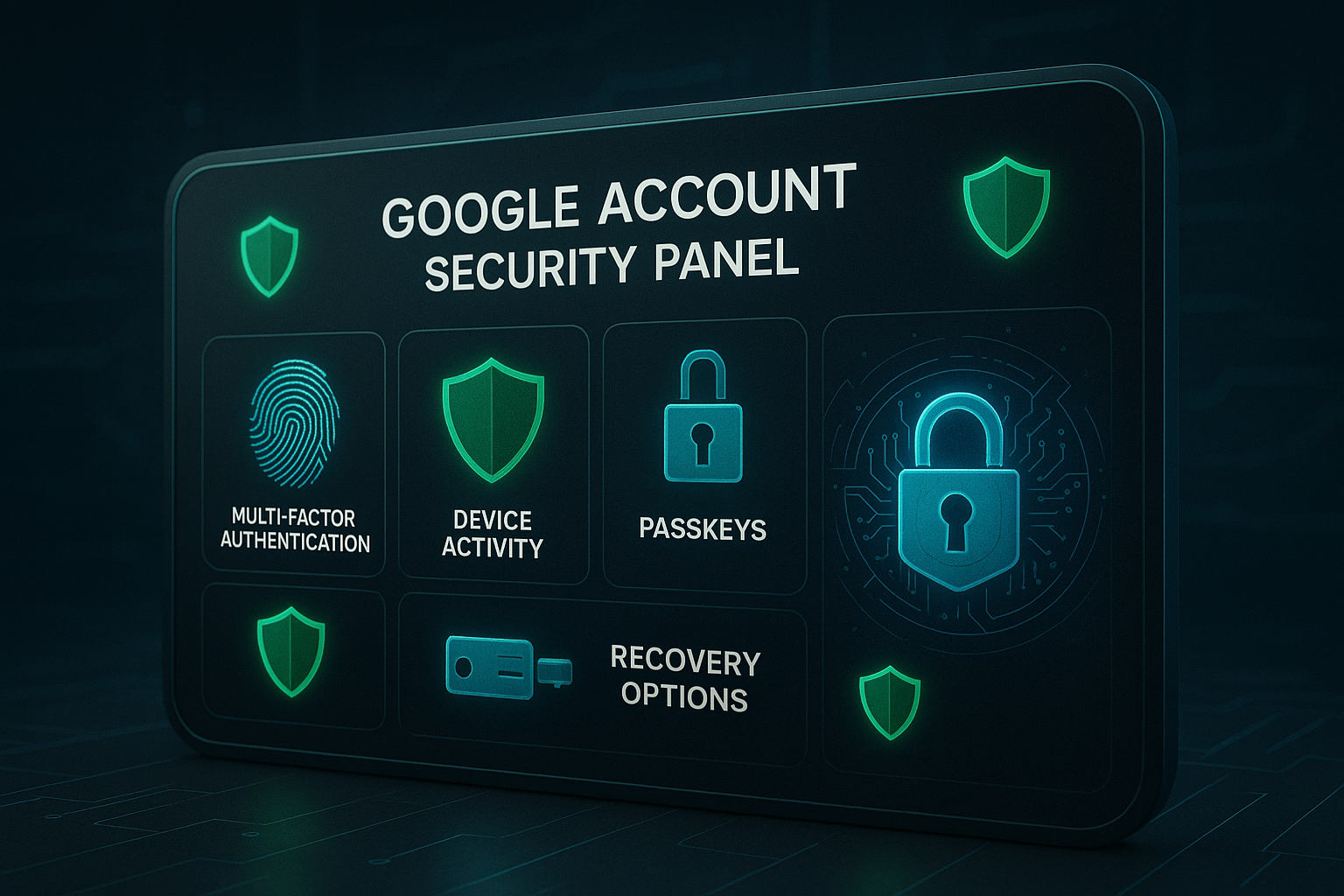
Proactive hardening of your account is your best defense. These google account recovery scam prevention tips can significantly reduce your exposure to attacks.
-
Move Beyond Passwords: Enable Passkeys where available. This is a passwordless login technology that uses your device’s biometrics (fingerprint/face) or PIN, and is highly resistant to phishing.
-
Use a Hardware Security Key: For the strongest 2FA, use a FIDO2-compliant hardware security key (e.g., from YubiKey or Google Titan). This provides physical proof that you are logging in from a legitimate device.
-
Use an Authenticator App: Switch from SMS-based 2FA to a time-based one-time password (TOTP) app like Google Authenticator or Authy. This prevents SMS interception.
-
Manage Recovery Options: Maintain multiple, up-to-date recovery options (a phone number and a secondary email address) but ensure they are secure.
-
Review App Passwords: If you use older apps that don’t support modern security, periodically review and remove unused “App Passwords” from your Google Account.
-
Enable Advanced Protection Program: For high-risk users (journalists, activists, executives), Google’s Advanced Protection Program offers the highest level of security, mandating physical security keys and restricting app access.
How to Recognize a Legitimate Google Support Interaction
Remember these fundamental truths about how Google operates:
-
Google will never call you unsolicited to ask for personal information, your password, or verification codes.
-
Google will never email or text you a code and then ask you to provide it back to them.
-
Official Google communications will always direct you to your account dashboard at
myaccount.google.com.,not a third-party website. -
No legitimate Google representative will ever ask for remote access to your personal computer.
Google Account Recovery Scam FAQs in 2025
Why am I receiving Google codes I didn’t request?
This means someone has triggered Google’s password reset or login process using your email address. It could be a simple mistyped email, a bot testing breached credentials, or an active recovery scam attempt. Treat it as a warning sign to review your account security.
Should I worry if someone tried to reset my password?
Not necessarily, but you should be vigilant. It’s a common occurrence. Use it as a reminder to ensure your password is strong, your 2FA is enabled, and your recovery options are current. Check your Security Activity page for details.
How can I secure a compromised Gmail account?
Follow the steps outlined in the “What To Do If You Provided a Code by Accident” section above. The key is to act quickly to change your password and revoke the attacker’s access.
Can scammers hack my Google account with only a phone number?
Not directly. However, if your phone number is your primary 2FA method, a scammer who successfully executes a SIM Swap can intercept your OTPs and use them to reset your password, effectively taking over the account. This is why SMS-based 2FA is considered less secure.
Why do scammers use Google Voice?
Google Voice numbers are free, easy to obtain, and can be used anonymously. Scammers use them to create a layer of separation between their real identity and their fraudulent activities, making them harder to trace.
Conclusion on Google Account Recovery Scam
The landscape of digital threats is constantly evolving, and the Google Account Recovery Scam 2025 represents a particularly insidious tactic that weaponizes trust and urgency. The consequences of account takeover can be severe, ranging from identity theft and financial loss to the compromise of connected social media and financial accounts. However, empowerment through knowledge is the most effective countermeasure.
By understanding the scammer’s playbook such as the fake emails, the spoofed calls, the deceptive SMS, you can break the chain of attack. The most powerful tool at your disposal is a calm and verification-oriented mindset. When faced with an unexpected alert, pause. Breathe. And navigate directly to your Google Account security page to investigate. Do not let panic cloud your judgment.
As we move further into 2025, adopting modern security practices like passkeys and hardware keys will become the standard, moving us beyond the vulnerabilities of passwords and SMS. Remember the core principle: Recovery scams succeed only when panic beats verification. Stay calm, check the source, and protect your identity. Your digital safety is, ultimately, in your hands.