A “PayPal email scam” is a sophisticated form of phishing where cybercriminals impersonate the global payment platform to deceive users into surrendering login credentials, financial details, or personal information. As we move through 2025, these scams are witnessing a significant surge, fueled by advancements in generative AI, which allows for more convincing and personalized fraudulent messages. Data from leading cybersecurity firms indicates a sharp increase in brand impersonation attacks, with PayPal consistently ranking among the most frequently spoofed brands. These scams exploit the trust millions place in PayPal daily, making it crucial for users to develop a vigilant and discerning eye. This guide provides a comprehensive, up-to-date analysis of how these scams work, how to identify them, and the critical steps to take if you encounter one, all framed within the principles of modern cyber-awareness.
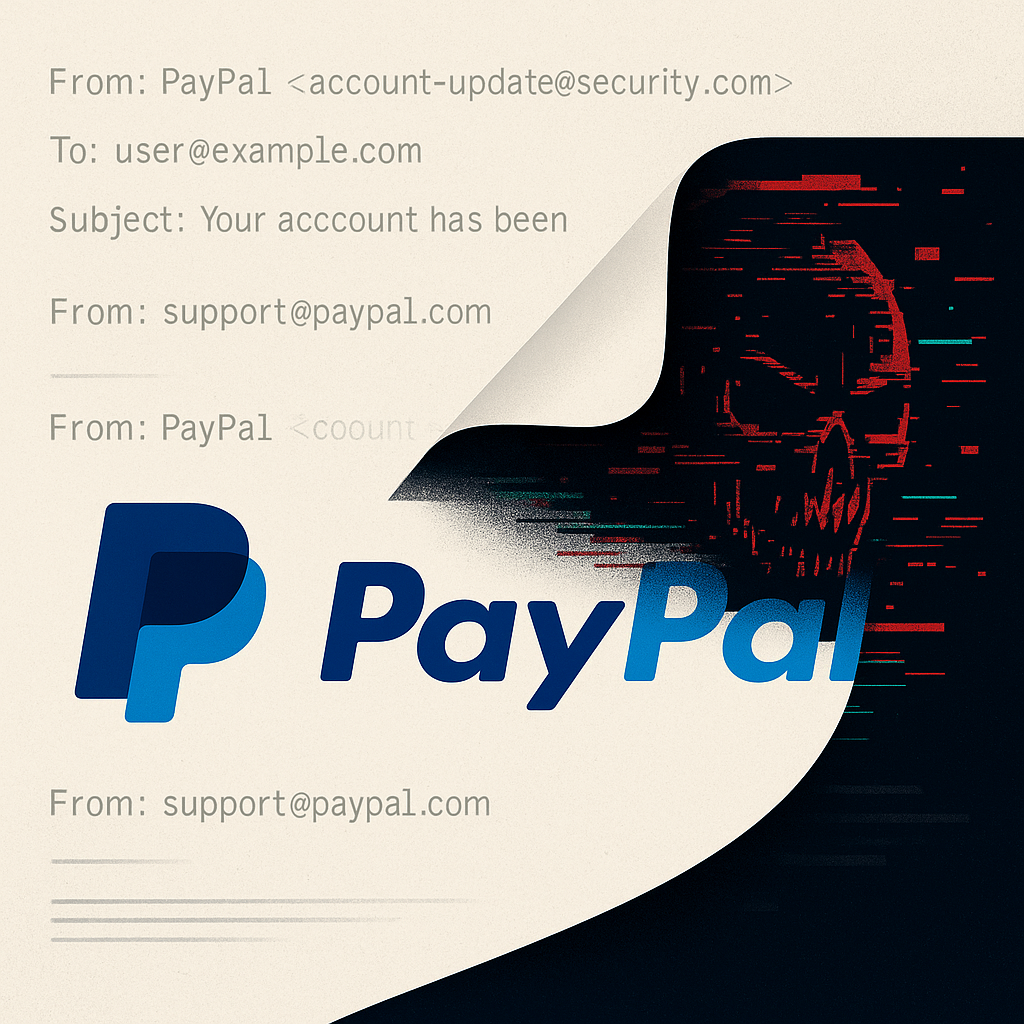
What Is a PayPal Email Scam and How It Works
At its core, a PayPal email scam is a type of phishing attack, a cybercrime that uses “bait” to lure victims. The scammer’s primary goal is credential theft. They craft emails that appear to be from PayPal, designed to trigger a sense of urgency, curiosity, or fear. The mechanics are typically a multi-stage process:
-
The Hook: You receive an email that seems legitimate. It uses official logos, branding, and language similar to authentic PayPal communications. Common lures include notifications of a received payment, a limited account, a suspicious login attempt, or a disputed transaction.
-
The Urgency: The email creates a time-sensitive situation. It might claim your account will be permanently limited if you don’t act within 24 hours or that you must confirm a large, unauthorized transaction. This pressure is designed to short-circuit your critical thinking.
-
The Deception: The email contains a call to action, almost always a link or a button. Instead of leading to the real
paypal.com, this link directs you to a fake login page hosted on a scammer-controlled server that visually mimics the real PayPal site. -
The Theft: When you enter your email, password, or even two-factor authentication (2FA) code on this fake page, the information is instantly captured by the fraudsters.
-
The Exploitation: With your login details, scammers can gain full access to your account. They can drain funds, link unauthorized devices, change passwords to lock you out, make purchases, or even use your account to launch further phishing attacks on your contacts.
Understanding this workflow is the first step in breaking the chain and protecting yourself.
Common Types of PayPal Phishing Emails in 2025
Scammers constantly refine their narratives. While the core tactics remain, the stories they tell evolve. Here are the most prevalent PayPal phishing email examples to watch for in 2025:
-
The Fake PayPal Invoice Email Scam: You receive an email stating you’ve been sent an invoice for a high-value item or service you never purchased. The email urges you to review and dispute the charge if it’s unrecognized, leading to a fake “Resolution Center” login page.
-
PayPal “Account Limited” Scam Email: This classic remains highly effective. The email claims your account has been or will be limited due to “suspicious activity,” a policy violation, or a need for account verification. It demands immediate action to “restore” your account, creating significant anxiety.
-
The “You Received a Payment” Scam: This preys on positive emotions. The email congratulates you on receiving a payment, often for a freelance gig or a sold item. To “claim” or “accept” the non-existent funds, you’re prompted to log in, handing over your credentials.
-
PayPal Refund Request Scam Email: This newer variant involves an email claiming someone has requested a refund from you. The message pressures you to log in to review and “contest” the refund request to avoid losing money.
-
PayPal Crypto Payment Request Scam: With the growing integration of cryptocurrencies, scammers are sending fake emails about a received crypto payment that is “pending” or “on hold,” requiring you to “verify your wallet” or “upgrade your account” to access it.
-
PayPal Buyer Protection Email Scam: You get an email stating a claim has been filed against you under PayPal’s Buyer Protection policy. It insists you must log in to provide your side of the story, or a decision will be made against you automatically.
-
PayPal Chargeback Email Scam: Similar to the refund scam, this targets sellers by alleging a customer has initiated a chargeback. The urgency is to “respond to the dispute” by clicking a link.
-
PayPal Charity Donation Scam Email: Exploiting goodwill, this email thanks you for a generous donation you never made and provides a link to “manage your recurring donations” or “get a receipt,” leading to a phishing site.
How to Identify a Fake PayPal Email The Human-First Red Flags
Before diving into technical details, you can often spot a scam by examining the content and context. Here’s how to spot a PayPal email scam using logical cues:
-
Greeting and Tone: Generic greetings like “Dear User,” “Hello PayPal Member,” or “Dear [Your Email Address]” are major red flags. PayPal typically uses your first and last name as registered in your account. The tone is often unnervingly urgent or threatening.
-
Grammar and Spelling Errors: While AI has reduced obvious errors, many scam emails still contain awkward phrasing, incorrect verb tenses, or spelling mistakes that a professional corporation like PayPal would not make.
-
Unrealistic Urgency: Legitimate companies rarely demand immediate action under threat of severe, irreversible consequences. Be highly skeptical of phrases like “Your account will be closed in 24 hours” or “Immediate action required.”
-
Requests for Sensitive Information: PayPal never asks users to provide passwords, PINs, or full social security numbers via email. Any email requesting this information is unequivocally a scam.
-
Suspicious Links (Hover, Don’t Click!): Hover your mouse cursor over any link in the email (without clicking). A small window will appear showing the actual destination URL. If the link does not point exactly to
https://www.paypal.com/...or a known, legitimate PayPal subdomain, it is fake. Be wary of URL shorteners or domains that look similar, likepaypa1.comorpaypal-security.com(a tactic known as punycode domain spoofing).
Technical Signs of a Scam A Deeper Dive into Authenticity
For those who want to be extra certain, analyzing the email’s technical underpinnings can provide definitive proof. This involves email header analysis to verify PayPal email sender authenticity.
-
Sender Address Spoofing: The “From” name can be easily forged to display “PayPal.” The real clue is the email address itself. Scammers often use free email services (e.g.,
service@paypal-support.gmail.com) or domains they’ve registered (security@paypal-alerts.net). -
Return-Path Mismatch: A more advanced check involves looking at the email’s header information to see the “Return-Path” or “Envelope From” address. In a scam, this will often not align with the “From” address or a legitimate PayPal server.
-
Email Authentication Protocols (DMARC, DKIM, SPF): PayPal employs robust email authentication standards:
-
SPF (Sender Policy Framework): Verifies the sender’s IP address is authorized to send mail for the
paypal.comdomain. -
DKIM (DomainKeys Identified Mail): Cryptographically signs the email, ensuring it wasn’t tampered with in transit.
-
DMARC (Domain-based Message Authentication, Reporting & Conformance): Tells the receiving mail server what to do if an email fails SPF or DKIM checks (e.g., quarantine or reject it).
-
BIMI (Brand Indicators for Message Identification): A newer standard that allows verified brands to display their logo in the recipient’s inbox. While not a guarantee, seeing the official PayPal logo can be a positive signal, but its absence doesn’t automatically mean a scam.
-
Most major email providers (like Gmail, Outlook) perform these checks automatically. If an email from “PayPal” lands in your spam folder, it’s likely because it failed these authentication protocols.
-
Malicious Attachments: Legitimate PayPal emails will almost never include attachments like PDFs, ZIP files, or Word documents. If you receive one, do not open it. These can contain malware designed to steal information or take control of your device.
Real vs Fake Examples Understanding Red Flags in Action
Let’s analyze anonymized, educational PayPal phishing email examples to solidify these concepts. (Note: All examples are fabricated for education and contain no live links.)
Example 1: The “Account Limited” Scam
-
Fake Email Sender: “PayPal Security”
<noreply@paypal-secure.xyz> -
Subject: URGENT: Your account access has been limited.
-
Body: “We’ve detected unusual login activity on your account. To protect you, we’ve temporarily limited your account. You must verify your identity within 24 hours to avoid permanent closure. [Click Here to Verify]”
-
Red Flags:
-
Suspicious sender domain (
paypal-secure.xyz). -
High-pressure subject line.
-
Vague claim of “unusual activity.”
-
Threat of permanent closure.
-
Generic “Click Here” link that, upon hovering, would reveal a non-PayPal URL.
-
Example 2: The “Payment Received” Scam
-
Fake Email Sender: “PayPal”
<notifications@paypal-billing.com> -
Subject: You have received a payment of $650.00 USD
-
Body: “Hello [User’s Email], Jane Doe has sent you $650.00 USD. This payment is currently pending. To accept this payment, you must log in to your account and confirm your shipping address. [Accept Payment]”
-
Red Flags:
-
Use of the user’s email address instead of their name.
-
Sender domain is not
paypal.com. -
The concept of having to “accept” a payment is not standard for PayPal; payments are available immediately.
-
The link would lead to a fake page.
-
Reporting Process How to Forward and Report to PayPal and Authorities
If you suspect a PayPal phishing email, it is crucial to report it correctly. Here is the definitive guide on how to report scam email to PayPal and other entities:
-
Do Not Click Any Links or Download Attachments.
-
Forward the Entire Email: Forward the suspicious email, as an attachment if possible, to PayPal’s official phishing department at
phishing@paypal.com. This allows their security team to analyze the headers and content. -
Report in Your Email Client: Use your email provider’s “Report Phishing” or “Report Spam” button. This trains their filters to catch similar emails for all users.
-
Report to Anti-Phishing Authorities:
-
In the US: Report to the Federal Trade Commission (FTC) at
reportfraud.ftc.gov. -
In the UK: Report to Action Fraud (
actionfraud.police.uk). -
In the EU: Report to your national cybercrime center.
-
-
If You Clicked a Link or Entered Information:
-
Immediately go to the real PayPal website by typing
paypal.comdirectly into your browser’s address bar. -
Log in and change your password immediately.
-
Review your security settings. Enable or update your two-factor authentication (2FA).
-
Check your recent transactions and linked banks/cards for any unauthorized activity. Contact PayPal’s official support through the website if you see anything suspicious.
-
Prevention Tips Building a Human Firewall with Technology
Proactive defense is the best strategy. Combine safe habits with robust security tools:
-
Manual Navigation is Key: Always type the PayPal website address manually (
paypal.com) into your browser instead of clicking links in emails. This is the single most effective habit. -
Enable Two-Factor Authentication (2FA): This adds a critical second layer of security. Even if a scammer steals your password, they cannot log in without the one-time code from your authenticator app or phone.
-
Use a Password Manager: A good password manager will not only generate and store strong, unique passwords but will also often refuse to auto-fill your credentials on a known phishing site, serving as an early warning system.
-
Monitor Your Account: Regularly check your PayPal account for any unfamiliar transactions or changes to your settings.
-
Keep Software Updated: Ensure your operating system, web browser, and antivirus software are up-to-date to protect against known vulnerabilities.
-
Breach Monitoring Services: Consider using a service that alerts you if your email appears in a known data breach, indicating your credentials may be circulating on the dark web.
Corporate Security — Training Employees Against Phishing
PayPal phishing awareness for employees is a critical component of modern business email compromise (BEC) defense. Companies, especially those in finance and e-commerce, must implement:
-
Regular Security Awareness Training: Conduct mandatory training sessions that use real-world PayPal phishing email examples to teach employees how to spot red flags.
-
Phishing Simulation: Use controlled, simulated phishing attacks to test employee vigilance in a safe environment and provide immediate, constructive feedback.
-
Clear Reporting Protocols: Establish a simple, clear process for employees to report suspected phishing emails to the IT/security team without fear of reprimand.
-
Enforced 2FA and Strong Password Policies: Mandate the use of two-factor authentication and password managers for all business-related accounts.
Global Trends PayPal Scam Variants Across the World
The tactics of PayPal email scams often adapt to local languages, currencies, and cultural contexts. In 2025, we observe:
-
US & UK: High volume of scams related to fake invoices, account limitations, and tax-time related refunds, often using sophisticated English and localised sender addresses.
-
India: A rise in smishing (SMS phishing) variants that mimic PayPal, combined with emails targeting the growing freelance and e-commerce sector with fake payment notifications.
-
Brazil: Widespread spear-phishing campaigns targeting online merchants with fake chargeback and dispute notifications, often using Portuguese and referencing local payment methods.
-
EU: Scams often reference GDPR (General Data Protection Regulation) or other local consumer protection laws to create a false sense of legitimacy and urgency.
Outlook 2025 Smarter Scams Smarter Users
The evolution of PayPal email scam tactics is inevitable. Looking ahead, we can expect:
-
AI-Powered Personalization: Scammers will use AI to craft highly personalized emails with fewer grammatical errors, pulling from data leaked in previous breaches to make their lures more believable.
-
Multi-Channel Attacks (Smishing & Vishing): Phishing emails will be supplemented by text messages (smishing) and even phone calls (vishing) to create a multi-layered illusion of a legitimate security alert from PayPal.
-
QR Code Phishing: Emails may contain QR codes that, when scanned with a smartphone, direct the user to a phishing site, bypassing traditional link-hovering detection methods on desktop.
-
The Defense: Continuous Education: The counter to these advanced tactics is not more complex technology alone, but a more security-aware user base. Education remains the strongest defense against phishing. Staying informed about the latest scams, as you are by reading this article, is your best protection.
Closing Section PayPal Email Scam 2025 Report Fake Emails Safely
The threat of PayPal email scams is persistent and evolving, but it is not undefeatable. By internalizing the key lessons of this guide—always verify the sender, never click unsolicited links, and manually navigate to the official website—you can confidently neutralize the vast majority of these attacks. Remember the core principle: PayPal will never ask for your password or sensitive data via email. If you ever feel uncertain, err on the side of caution. Do not engage with the email; instead, log in to your account directly through your browser and check for any official messages in the Resolution Center. By making these verification steps a habit, you transform from a potential victim into an informed, vigilant user. Forward suspicious emails to phishing@paypal.com to protect both yourself and the wider community. In the digital landscape of 2025 and beyond, awareness is not just power—it is protection.